Pickaxe
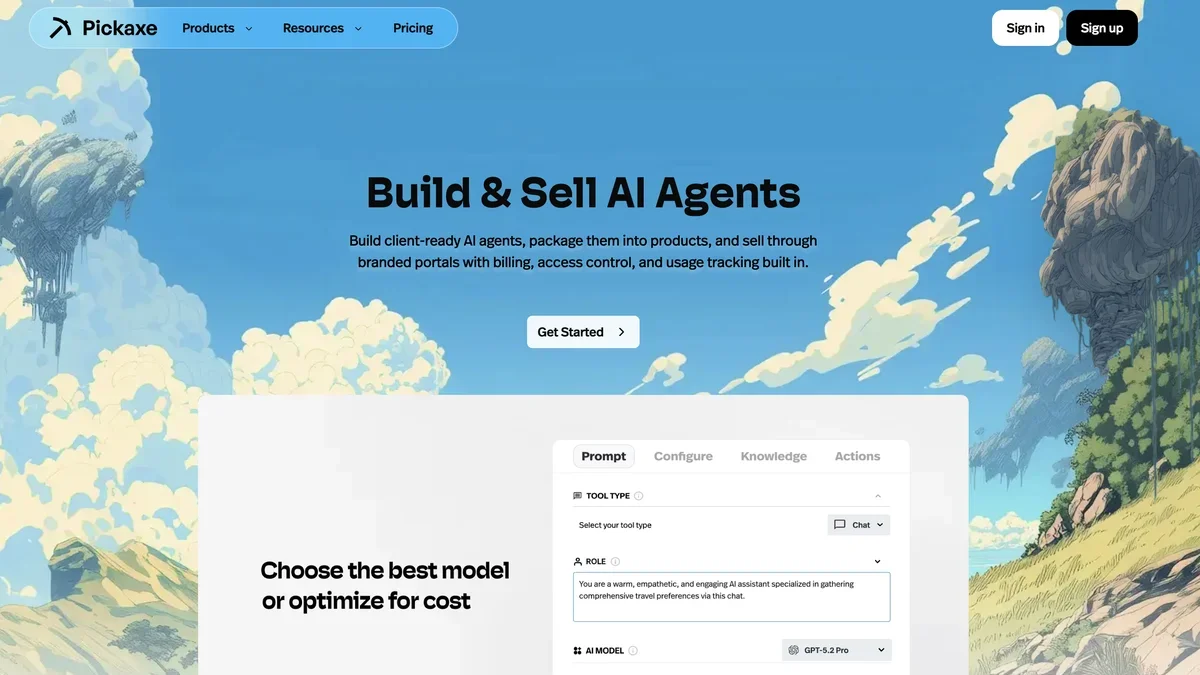
Pickaxe allows users to build, package, and sell custom, client-ready AI agents and tools through branded portals with built-in monetization.
About Pickaxe
Pickaxe empowers you to build, package, and sell client-ready AI agents and tools via custom-branded portals featuring integrated monetization and access control.
Key Features
No-Code AI Agent Builder
Design, configure, and deploy custom AI agents quickly using an intuitive visual editor without needing to write any code.
Built-in Monetization
Charge for AI agent access from day one by setting up flexible pricing models like per-use or subscriptions, fully integrated with Stripe payments.
Auto-Updating Knowledge Base
Connect over 14 content types to keep agents' answers accurate with automatic daily synchronization, allowing knowledge bases to be shared across the workspace.
Client-Ready AI Portals
Package multiple agents into fully branded portals featuring custom domains, user accounts, sidebar navigation, and integrated billing to launch a complete AI product.
Multi-Model Control
Easily switch between over 50 different AI models with a single click to compare cost, speed, and quality, ensuring optimal performance and spend management.
Extensive Integrations (Actions)
Connect agents to external tools and services in real-time using 'Actions,' enabling workflow triggers across 500+ integrations, including custom webhooks.
Use Cases
Productizing Expertise for Sale
Consultants and experts can package their unique knowledge into specialized, paid AI agents or portals that clients can access 24/7 for advice or support.
Creating Branded Customer Support Bots
Deploy an embeddable AI chatbot on any website (Wix, WordPress, etc.) trained on company documentation to resolve FAQs and reduce friction for website visitors.
Internal Knowledge Management
Build AI tools that answer internal team questions by connecting to existing knowledge sources like Airtable or internal documents, ensuring consistent, up-to-date information retrieval.
Automating Client Onboarding and Intake
Use conversational AI forms or chatbots to naturally collect structured data from new clients, qualify leads, and automatically save details to CRMs or spreadsheets.
Developing Custom AI Coaching Tools
Create specialized AI assistants, such as a 24/7 coaching assistant trained on a specific framework or a tutor providing personalized explanations and practice materials.
Selling Access to Niche Advice
Monetize domain expertise by setting up paid niche advisor bots that sell access via subscriptions, providing users with specialized answers based on proprietary data.
Frequently Asked Questions
What is an agent?
An agent is an AI tool, which can be a chatbot or a form, powered by a prompt and optionally trained on documents, websites, videos, or API endpoints.
How is usage tracked and billed?
Usage is tracked via credits; $1 credit equals $1 of usage cost incurred every time the AI generates a response when your agent is run. End-user usage counts against your credits.
Can I host my AI portal at a custom domain?
Yes, you can host your Studio (AI web-app portal) at a custom domain by configuring settings within the Studio interface.
How do I embed an agent on my website?
After creating an agent in a Studio, click the 'add embed' button, customize the embed style (inline, floating, iframe), and paste the provided code snippet onto your site.
What is a Studio?
A Studio is a standalone AI web-app used to host and sell your agents. It allows you to bundle tools, customize a landing page, manage users, and collect payments.
Do I need to code to build agents?
No, Pickaxe features a No-Code AI Agent Builder that allows you to design, configure, and deploy custom AI agents using an intuitive visual editor.
Official Website
pickaxe.co
External link